
Course update + two free lessons + struggles
Introduction to pixel shaders 🎁

Hola,
I wanted to share with you the exciting updates I’m currently working on for my shader course, and also disclose some of the struggles, because why not.
I feel that many times we read and watch in social media so much about everything is going well, is wonderful, is beautiful, that in order to feel real, I sometimes lean towards feeding myself also from content that talks about hard times and struggles, and so I wanted to share a bit of these two worlds in this post.
Course subtitles
One of the course updates I’ve already announced I was doing was including subtitles translations, which by the way, is taking longer than expected as even when I’m using AI to increase the speed for this task, I’m super frustrated until now by the results that read so robotic-like, and loose a bit of that human touch I gave when I recorded it in English.
In case you’re curious, in my research and explorations the most decent models for translations I got, for the power capabilities of my computer, have been a mix of DeepL and Kimi K2.5. If you know of any other capable models for specifically translations, happy to hear. I’d love to try, so please share!
I’m hoping AI could help me to do this arduous task, because translating 26 videos into my native language (Spanish) could take forever, and if I had a salary for this I’d be into it, but there is so much time I can spend already in this passion project which is not paying my rent unfortunately (it’ll be a dream, if so). Anyways, I also want to translate in other languages as well, and I cannot complain that exploring such capabilities of AI is fun for me too!
Video transcripts
Around the same time I was frustrated about not advancing as much as I wanted with the translations, I decided to add video transcripts to each lesson in my course too.
This was another feature I had the ambition of adding ever since I created the course, but also was debating if it was worth the extra time it’ll take me to do so. I always wonder about so many other creators out there, how can you decide how much of your time that doesn’t make you money you can spare on things that make you happy, specially if you don’t have a corporate or steady job, and need to pay bills, you know. Maybe it was partially my impostor syndrome, telling me no one would care about my course anyways (need to write about this topic another time).
Anyways, I pulled myself together and I manage to get started with it, and is coming along really well. :) I’ve always been a fan of video courses that include transcripts or written content. Specially the course from Bruno Simon, Three.js Journey was a huge inspiration. This course is brilliant not only because of the way Bruno can explain this topic so well, but the quality of his content where every video has a transcript very well documented.
I had the unfortunate case that when I was invited to create this course by the Academy by Blind Gallery my only computer available was an old computer at that point, that whenever I do shaders for a long time, my fans start heating up, and to record the course I had no only an online editor opened to do shaders, but also OBS to record myself, slides, etc, that the fps of the video recording dropped very quickly and my lips are unsync on camera.
This was another journey I took beginning of this year, trying to fix that myself in DaVinci Resolve, Blender (yes, you heard well, you can also do video editing there), and CapCut, but nothing really worked. I think it’s hard to fix and I’m no video editor, that at some point I thought maybe I can re-record myself, but who am I kidding, I’m still sitting in this even older computer now, plus recording 26 videos took me 2 months of planning each video, and re-recording whenever it didn’t look good, because I looked or sounded too tired (gosh, it’s quite a task to also have to think of that when one records a video instead of writing a tutorial), that I rather let it be, but hence video transcripts seemed even more appealing! as with them everyone will have the chance now to go through the written content after watching the video and use them as notes to revisit any of the topics I’m teaching, and in there there won’t be any low quality resolution happening. :D
Btw. if anyone reading this is a video editor and you think you can fix my unsync lips, reach out. Happy to compensate your work, ofc.
I’m very happy now how this is turning out, and feel more confident that this is a great resource for anyone wanting to either learn shaders or solidify their fundamentals, as the feedback I’ve gotten so far from the learning content, as I mentioned in another post, has being very positive.
Free shader course lessons
For this reason, I decided to make two lessons completely free so anyone can:
👩🏽🏫 See my teaching style
🤓 Learn something new
🌈 Give me some feedback
These are the only free lessons I’m opening. The full course contains 24 lessons and many, many hours of work (as you read), but I wanted to give something back to the open source and shader community learning space, while also letting people preview the course properly.
I’m so thankful for free resources to learn shaders like The Book of Shaders, where I started my shader journey once upon a time. Grateful that Patricio Gonzalez Vivo and Jen Lowe created such a valuable resource openly. That now as I start making more content, I feel like sharing some of it as well.
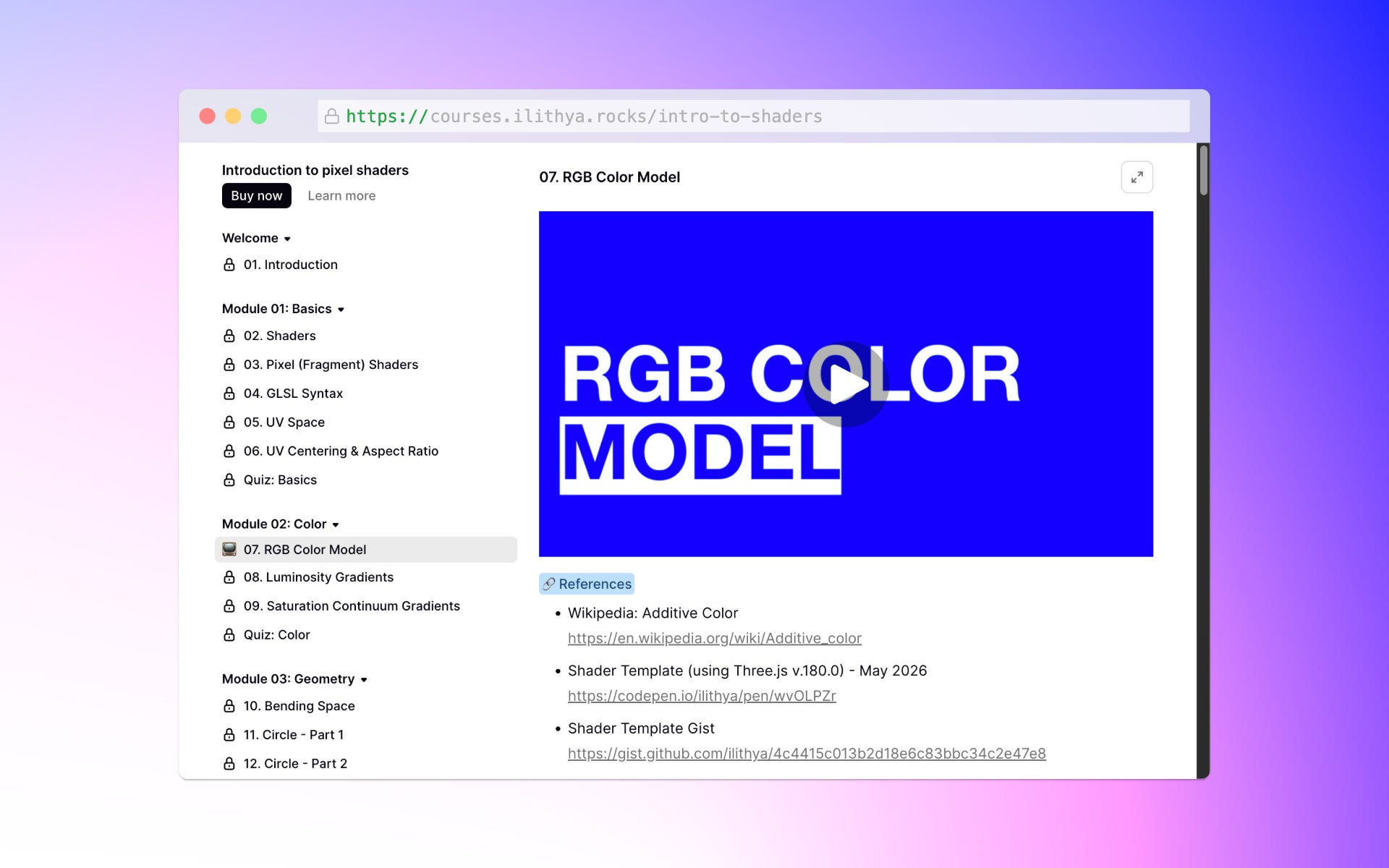
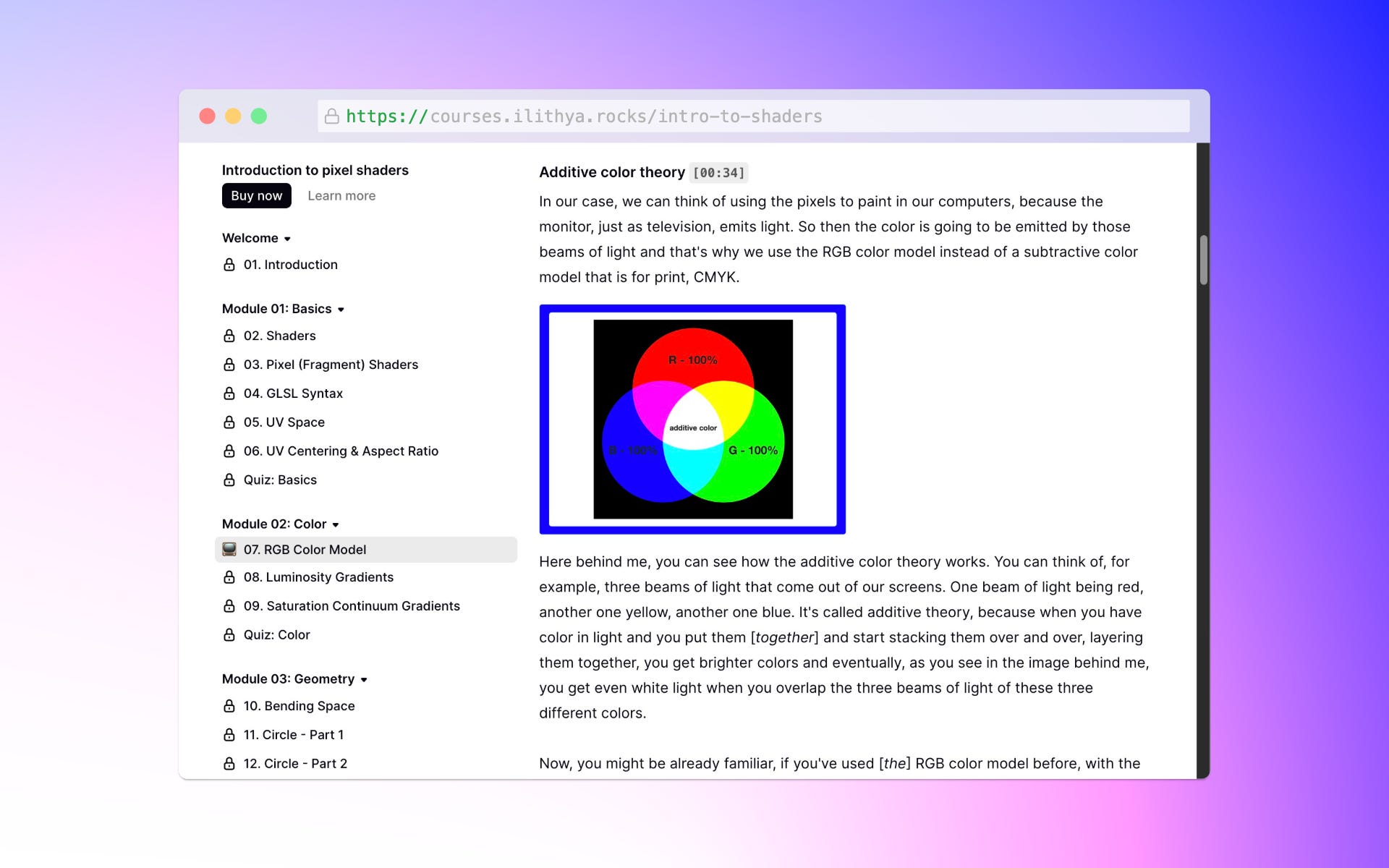
The first lesson I’m opening publicly is called RGB color model and goes through the following topics:
Additive color theory
RGB with percentage values
Pixel (fragment) shader template
HTML in the template
JavaScript in the template
Hello world with coding
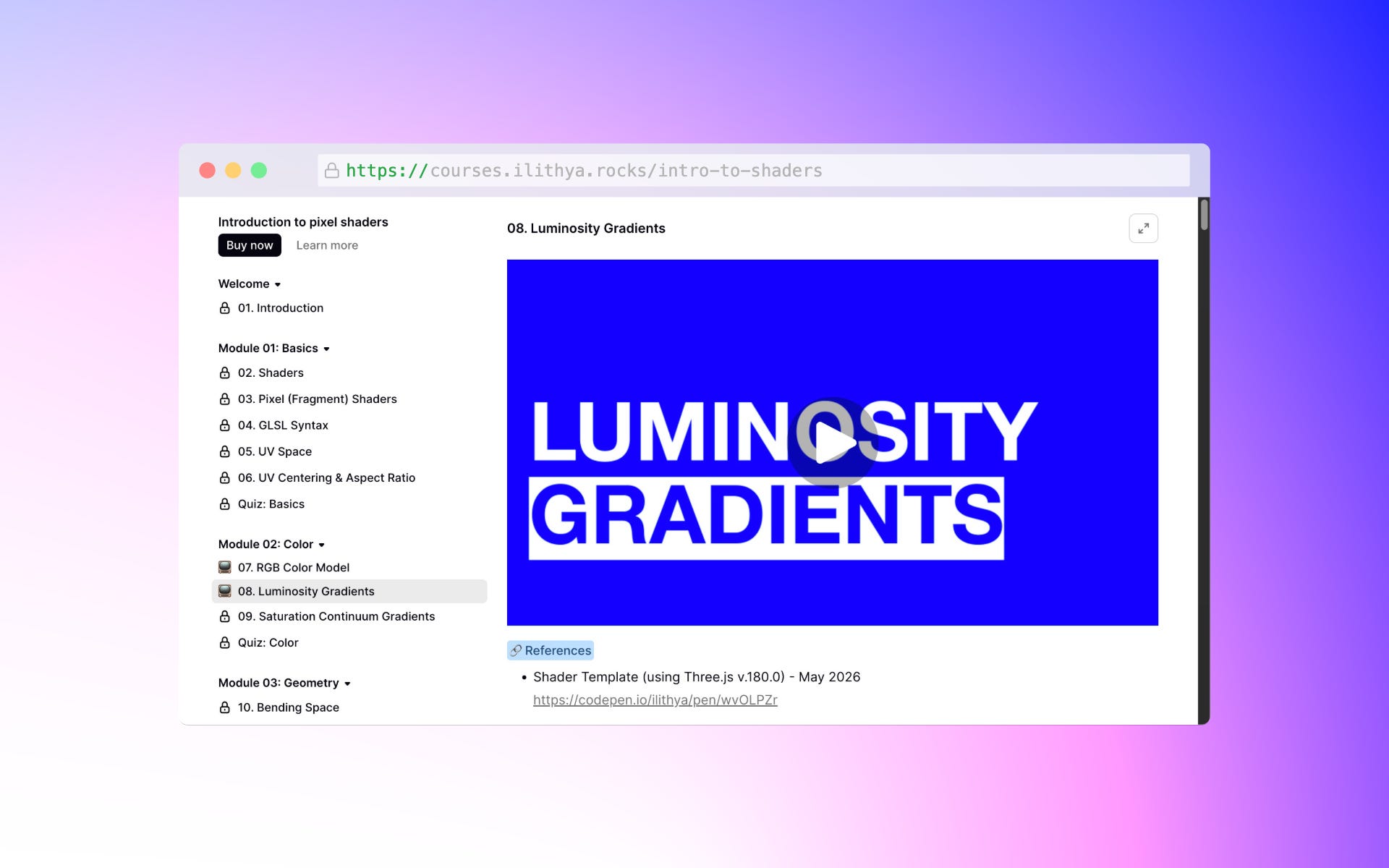
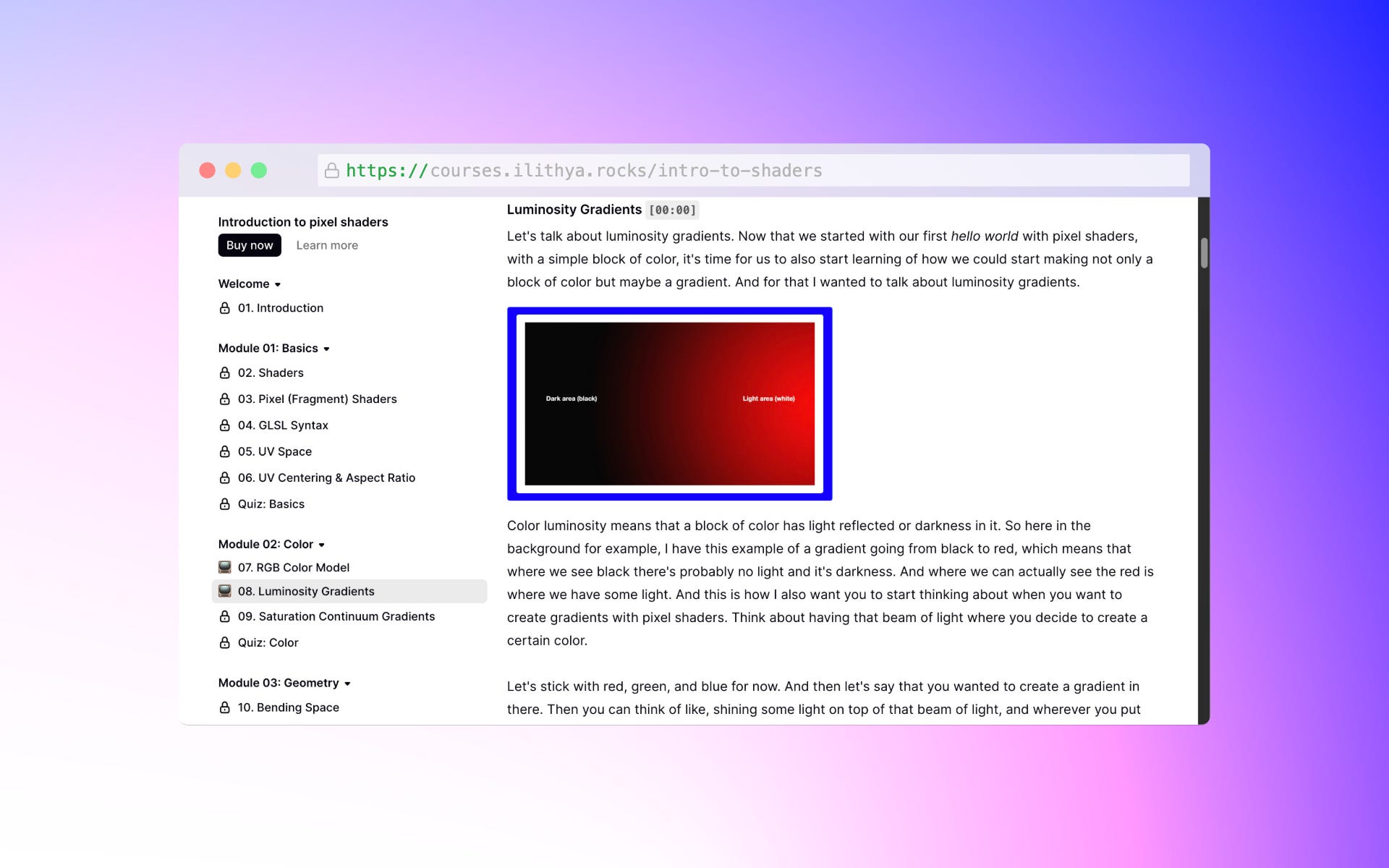
The second lesson is Luminosity gradients and contains the following:
Pixel (fragment) shader template
Coloring with UV coordinates
Darkness in color
Lightness in color
Color spectrum with lightness and darkness
Coloring with UV coordinates and percentage values
Mirror effect
Final thoughts
A reminder that if you’ve been wanting to learn shaders or feel intimidated by their complexity, this might be for you. Also if you’re already experienced in shaders, but feel unsure or stuck sometimes, lacking fundamentals. Either way, I’m here to guide you through every step of the way in the beginning of your fragment shader journey.
This was a long post! if you’re still reading, I appreciate you taking some time of your day to read me. If you think this might be valuable for someone else, please share it with them.
Until next time,
✌🏽
Thanks for reading! 🙂🌈🪷
Subscribe if you’re reading this on the web, and prefer to receive these posts in your mailbox.